
There are 4 common reasons why the widgets you choose don’t appear on your website:
1. Your first option is making sure your pixel is activated.
2. If your pixel is active and it still does not show, then check if the intended page has been added to the Trigger Settings.
3. If you do have the intended Trigger Settings, then you probably have no live data feeding your Widgets yet.
4. Now, assuming your pixel is active, your Trigger Settings are properly set and you do have live data, your Widget might not be active. Make sure to activate it by following this guide.
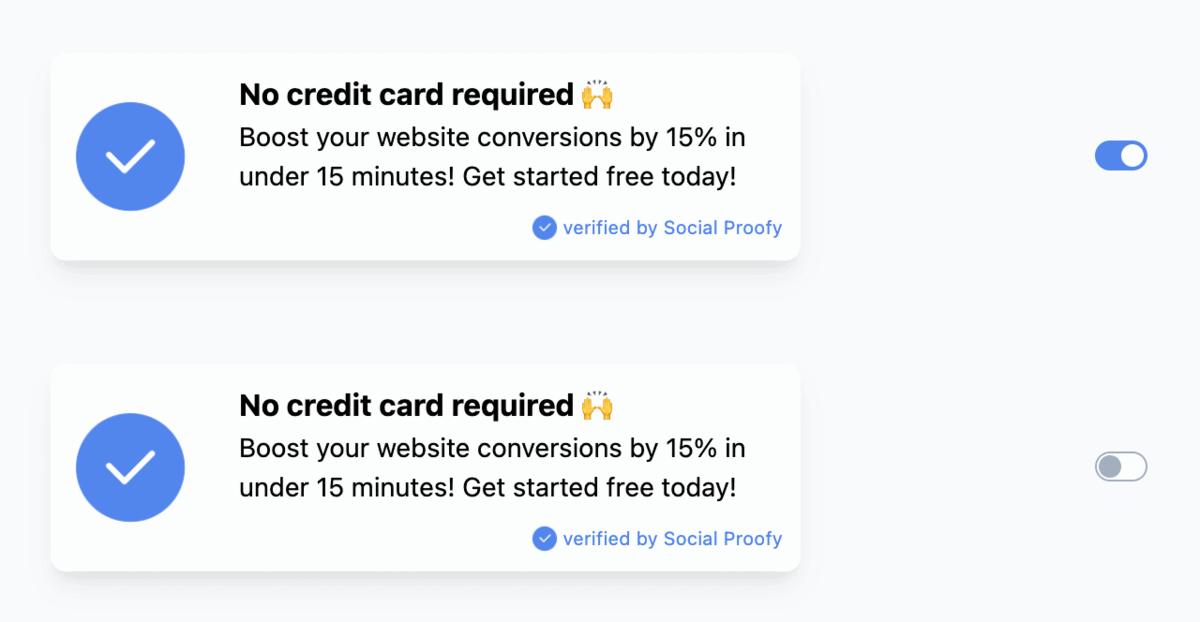
If your widget was not active (and that was the reason it was not showing), don’t be hard on yourself, happens to the best of us 😉

