
When displaying a Notification you can set your widget up so that when the user clicks on it, they will be redirected to the URL of your choosing.
You can direct them to a Product page or a landing page with copy for your services.
Here’s how you do that:
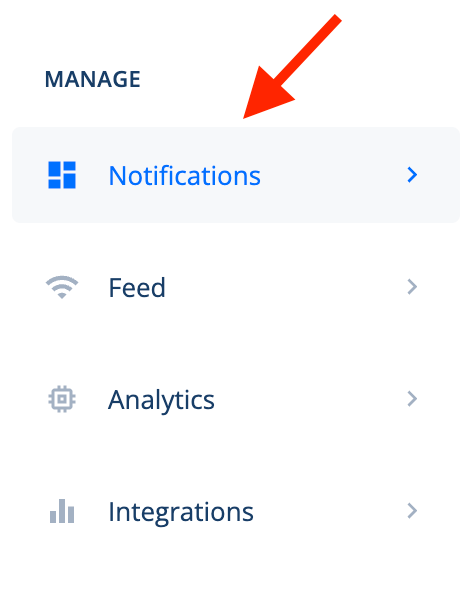
Step 1 – Go to the left side of your Social Proofy Dashboard and select Notifications.
Step 2 – Click on the Pencil Icon for the notification you want to add the URL on.

Step 3 – Click on the Design tab and scroll down to Notification URL.


