
When creating your widget you can choose where in your page the notification will show for your users. This allows you to work around other plugins you might have installed for your store.
Let’s see how you can setup the position for your widgets:
Step 1 – Log in to your Social Proofy Dashboard.
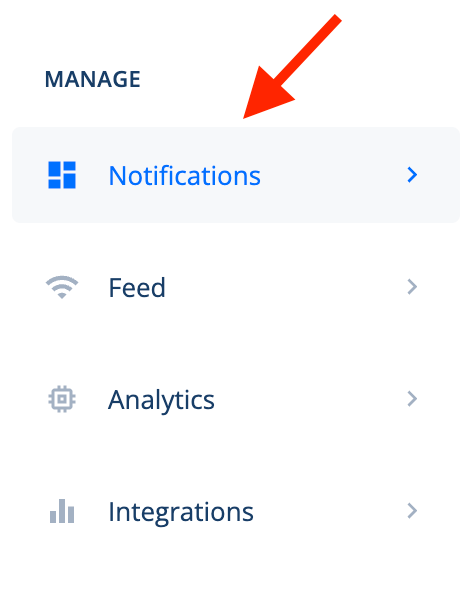
Step 2 – Go to the left menu bar and select Notifications.
Step 3 – Click on the Pencil icon for the widget you wish to modify.

Step 4 – Open the Display tab and click on the Display Position option.

Step 5 – Then select the Position you want your notification to show on.


